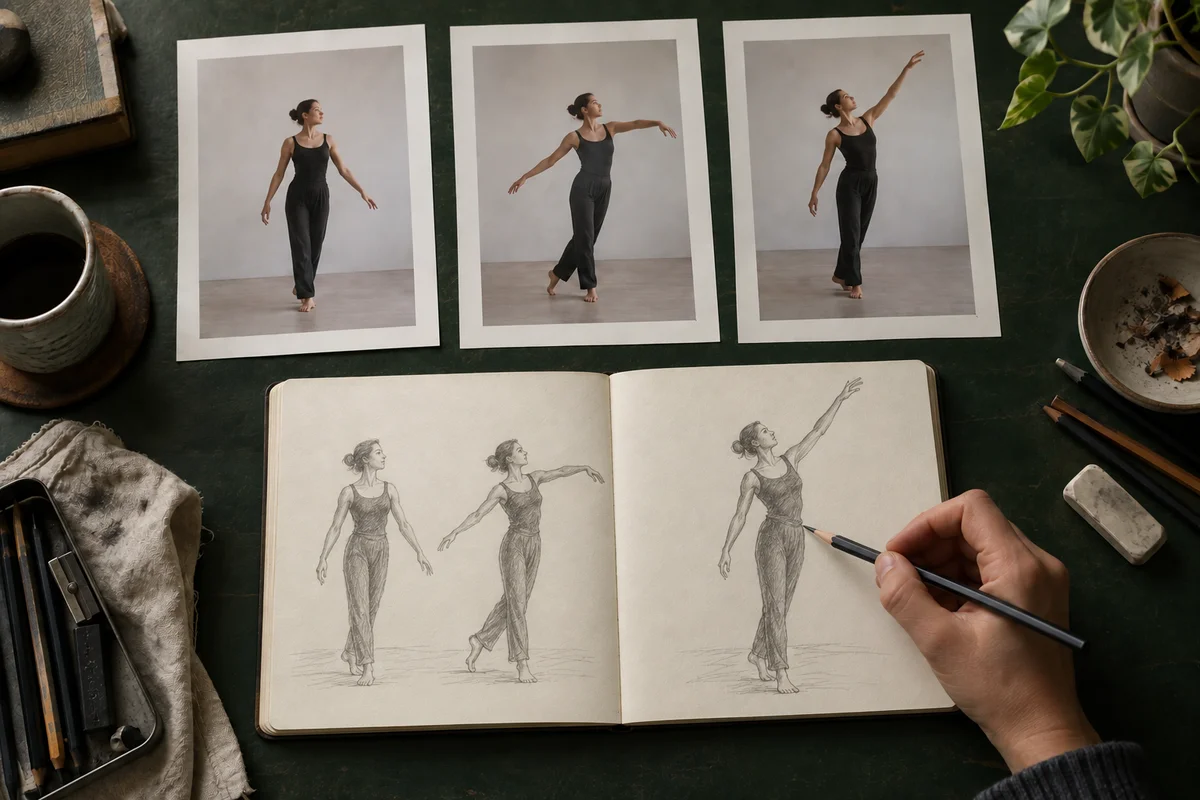
Drawing references from video
Choose a short clip of a person or animal in motion. Print a few poses to keep beside your sketchbook while you draw. Use Fit to preserve the full frame.
 Discover SnapSeriesGet the app (opens in a new tab)
A free tool by SnapSeries. Turn a video into a sequence of photos to print.
Up to 500 MB · 2 minutes
Trim the clip and choose your photo count.
Paper size, margins and numbered backs.
One photo per page, ready to print.
SnapSeries for iPhone
Photograph each print in a new place. The app’s camera guides help keep your framing consistent.

Your video stays on your device.
Built as a companion to SnapSeries, Print also works on its own for artists, animators and anyone exploring movement through photographs. Start with a video you have filmed and turn a short passage into paper you can draw from, arrange or photograph again.
Choose a short clip of a person or animal in motion. Print a few poses to keep beside your sketchbook while you draw. Use Fit to preserve the full frame.
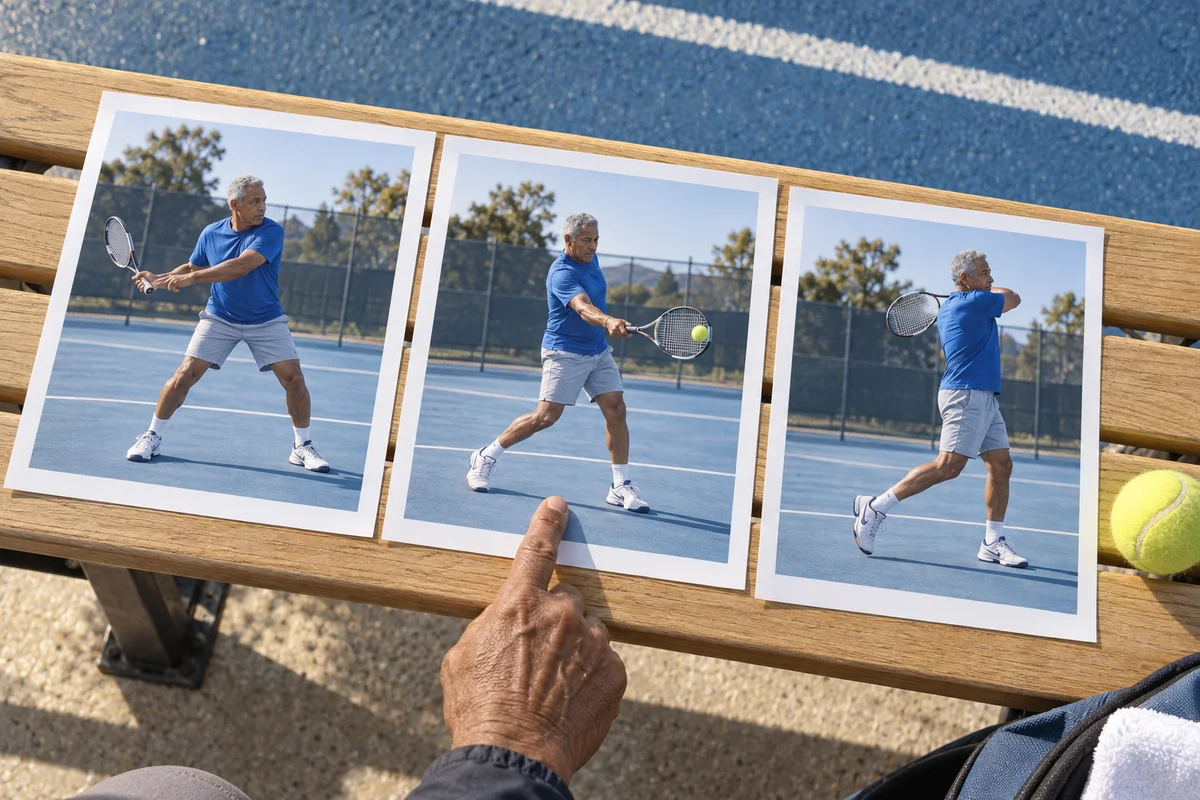
Break a dance step, jump or everyday gesture into still images. Choose how many photos to print, then lay them out in order to compare changes in posture and timing.
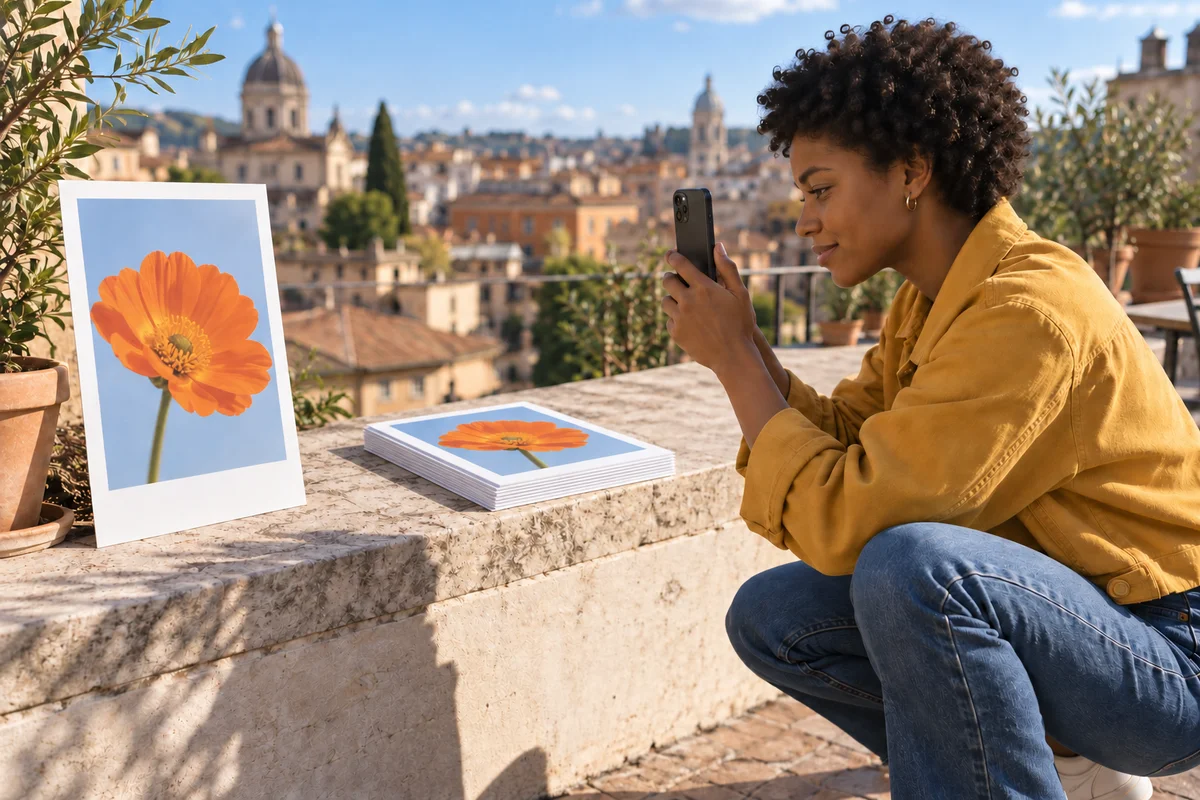
Print consecutive moments from a video and photograph each sheet in a different place. Use SnapSeries on iPhone to keep your framing consistent as you capture the sequence.
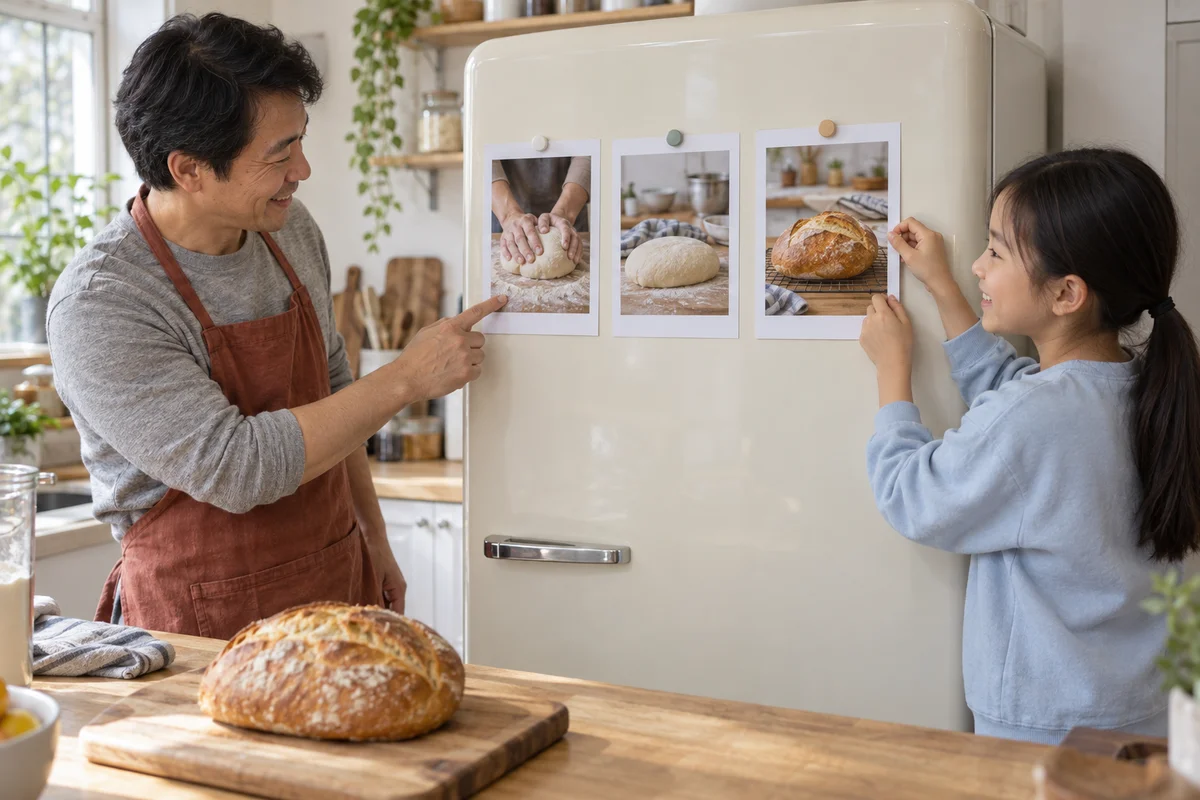
Arrange printed moments on a wall, review a filmed scene on a table, or mix up the sheets for a sequencing activity. Each image has its own page, ready to move around.
Choose a local video, select a short passage and set your photo count or an interval in frames. Pick A4, A5 or Letter, adjust the margins, then download the PDF. Print at actual size (100%). Each photo uses one page; optional numbered backs help keep the sheets in order.
Yes. Creating and downloading a PDF is free and requires no account or app. Your video is processed locally in your browser, without being uploaded. You can print up to 200 photos from a video up to 500 MB and two minutes long.
Print currently places one image on each PDF page. You can experiment with an A5 paper flipbook by assembling the sheets yourself, but there is no flipbook layout, binding margin, cutting guide or contact-sheet grid. The download is a PDF, rather than separate image files.
Try taking each printed frame to a different location and photographing it again. SnapSeries is an iPhone app with camera guides to help you keep the framing consistent across your photos. Print prepares the sheets; you capture them with the app. Explore SnapSeries (opens in a new tab).